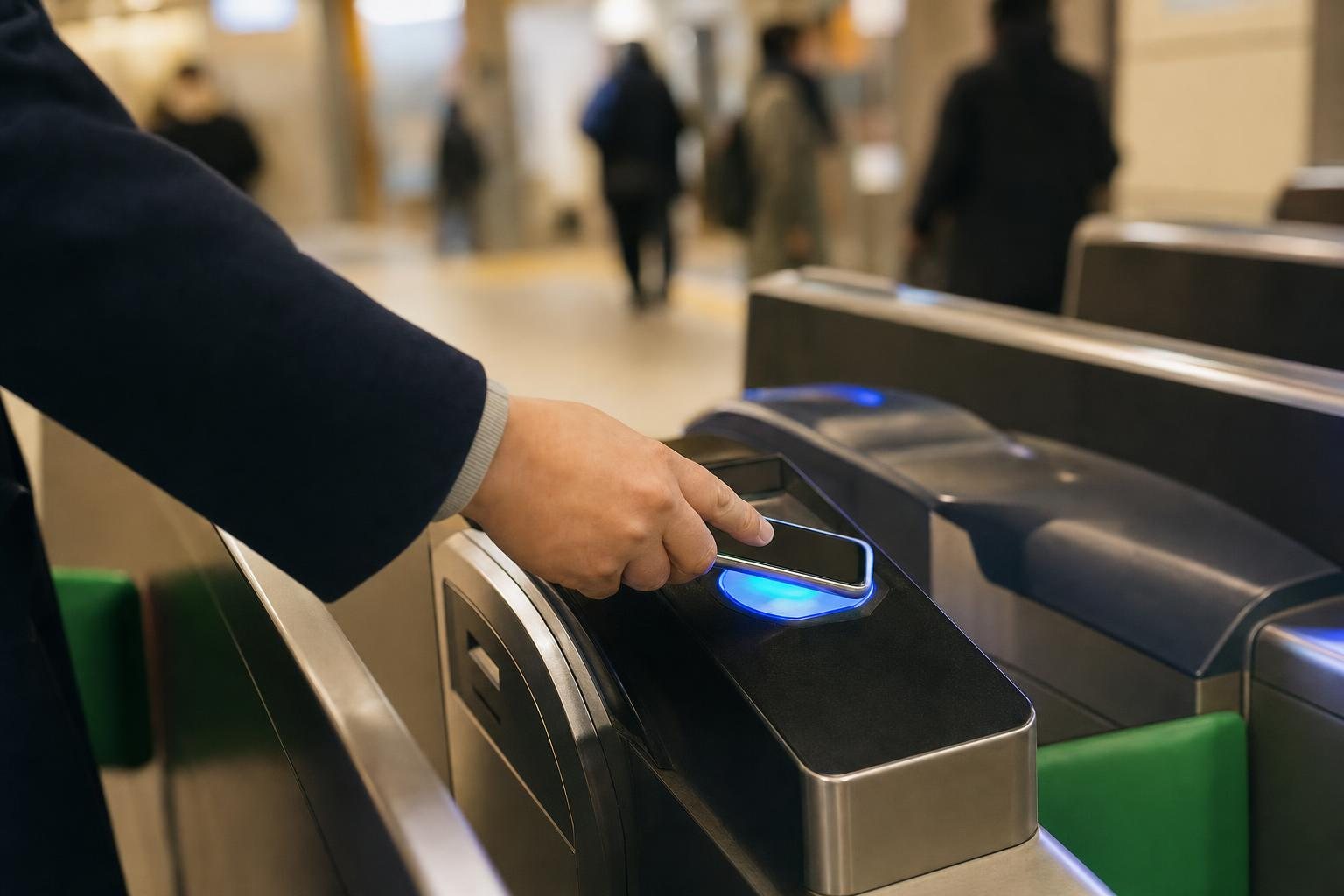
The short answer: iPhone users don’t need a plastic card at all. Android users (with phones bought outside Japan) do — and 2026 finally gave them two good options.
The IC card situation changed more in the last three years than in the previous twenty: sales suspended during the chip shortage (2023), resumed (March 2025), a new app for tourists, a brand-new tourist Pasmo (May 2026), and Tokyo’s private railways opening up to credit-card tap-to-ride (March 2026). Most guides online still describe a world that no longer exists. Here’s the current one.
If you have an iPhone: go digital, skip the queue
Any iPhone 8 or newer can hold a Suica in Apple Wallet — no Japanese phone, no deposit, balance never expires. Add card, top up, tap through the gate with your phone (or Apple Watch). For most travelers this is strictly better than plastic: you can’t lose it, and you top up from the sofa.
One dependency: adding and topping up Mobile Suica needs a data connection at the moment you do it, so sort your eSIM first and set the card up while you’re still at the gate.
The one catch is Visa. Foreign-issued Visa cards still fail Apple Wallet top-ups often enough in 2026 that you shouldn’t rely on them. Two clean workarounds:
- Welcome Suica Mobile app (JR East’s official tourist app, iPhone-only): in-app top-ups succeed with more cards, valid 180 days, and it can even book Shinkansen/Narita Express seats. This is the route for Visa-only travelers
- Cash top-up: even a mobile Suica can be topped up with cash at 7-Eleven ATMs and convenience stores — the universal fallback
If you have an Android bought outside Japan: it’s plastic, and that’s fine
Here’s the blunt truth most sites bury: Google Wallet Suica does not work on phones sold outside Japan — they lack the FeliCa secure element, and no app or setting fixes that. Don’t waste an evening trying. Get a physical card:
| Card | Deposit | Valid | Where | Good to know |
|---|---|---|---|---|
| Welcome Suica | None | 28 days | Narita/Haneda machines, JR East Travel Service Centers | Cash top-up only. No refunds — spend it down |
| TOURIST PASMO (new, May 2026) | None | 28 days | Haneda (Keikyu) & Narita (Keisei) counters/machines | Can be purchased by credit card — the only one |
| Regular Suica/Pasmo | ¥500 | No expiry | Any station machine (sales resumed Mar 2025) | Refundable at JR East stations (¥220 fee) — best for 28+ day stays and repeaters |
“Can’t I just tap my credit card like in London?”
Almost — and 2026 made real progress. Since March, 729 stations across Tokyo’s subways and private railways accept contactless credit cards at the gate (Visa, Mastercard, Amex, JCB). But the big asterisk: JR East never joined. The Yamanote line, Chuo line, the trains you’ll ride most — no card tap. Same story in Kansai: private rail yes, JR no.
So the honest 2026 status: tap-to-ride is a useful backup, not a replacement. You still want a Suica-family card in your pocket or phone.
Everything else worth knowing
- One card works everywhere: Suica bought in Tokyo works on Osaka/Kyoto trains, buses, konbini, vending machines — the 10 major IC cards are interoperable nationwide
- Top-ups are cash-first: station machines and convenience stores. Physical tourist cards can’t be topped up by credit card
- Refunds are a trap: Welcome Suica, TOURIST PASMO, and the mobile tourist app are all no-refund. The move: run your balance down at a konbini on the last day (it pays for snacks perfectly)
- Kids under 12: get child versions of the physical tourist cards (passport needed) — mobile apps require 13+, and credit-card tap gates can’t charge child fares
- Kansai-only trip? Just buy an ICOCA locally (¥500 deposit, refundable at JR West stations) — same interoperability, refund where you actually are
FAQ
Can I still buy a regular Suica in 2026?
Yes. Unrestricted sales resumed March 1, 2025 after the chip-shortage suspension. Any guide saying otherwise is outdated.
Why won’t my Visa top up Suica in Apple Wallet?
A long-running issue with foreign-issued Visa cards. Use the Welcome Suica Mobile app (in-app top-ups behave better) or cash. It’s not your phone’s fault.
Does a Tokyo-bought card work in Osaka and Kyoto?
Yes, everywhere — trains, buses, shops. Just don’t ride a single journey across IC regions; buy a paper ticket for that leg.
Can I get my leftover balance back?
Only on regular (non-tourist) cards, at the operator’s own stations. Tourist cards: no refunds by design — spend it down.
How much should I load?
Start with ¥3,000–5,000. Tokyo train rides run ¥150–300; a heavy sightseeing day burns about ¥1,000–1,500 on transport.
The bottom line
iPhone: Suica in Apple Wallet (Mastercard/Amex) or the Welcome Suica Mobile app (Visa). Android from abroad: TOURIST PASMO if you want to pay by card at the airport counter, Welcome Suica otherwise, regular Suica if you’ll stay 28+ days or come back. And your contactless credit card? A nice-to-have for the subway — never the whole answer.
Verified against JR East, PASMO and operator sources, August 2026. This landscape changes fast (it changed twice this year already) — spot something outdated? Tell us.
Leave a Reply